
Download Talk It! – text to speech, audio conversion, mp3, voice selection, save text, android app
Overview
Talk It! is a productivity-focused mobile application designed to convert typed text into spoken words using a built-in text-to-speech engine. The app serves as a practical utility for individuals who need to transform written content into audio format for accessibility, learning, or convenience. Its core purpose is to bridge the gap between reading and listening, offering a seamless experience for users who prefer auditory consumption of text. This functionality is particularly beneficial for people with visual impairments, dyslexia, or those who wish to multitask while consuming content. The app also supports the creation and storage of audio files, making it useful for educators, content creators, and students who need to generate audio versions of notes or scripts.
Target users include professionals, students, and individuals seeking a simple way to convert text into speech without relying on complex tools. The developer, Talk It!, has positioned the app as a lightweight and efficient solution for everyday text-to-speech needs. Although specific details about the developer’s background were not provided, the app’s clean functionality suggests a focus on usability and performance. Real-world applications include reading long documents aloud, creating audio study aids, or preparing voiceovers for presentations. In the broader app ecosystem, Talk It! fills a niche for accessible, no-frills audio conversion tools on Android, offering a streamlined alternative to more feature-heavy platforms.
Key Features & Functionality
- Text-to-Speech Conversion: The app leverages a text-to-speech engine to convert typed input into spoken audio in real time. This feature supports natural-sounding speech, enabling users to listen to their content without reading.
- Save and Load Text: Users can store written content within the app for later retrieval. This allows for efficient management of notes, scripts, or drafts, reducing the need to retype information.
- Save Audio as MP3 File: Generated speech can be exported as an MP3 file, providing a widely compatible format for offline listening, sharing, or integration into other projects.
- Voice Selection (Android Lollipop+): On devices running Android Lollipop or later, users can choose from multiple available voices, enhancing personalization and listening comfort.
- User-Friendly Interface: The app features a minimalistic and intuitive design, ensuring that users of all skill levels can navigate and use its features without confusion or delays.
For example, a student could type lecture notes into the app, convert them to speech for review during a commute, and save the audio as an MP3 for repeated listening. Similarly, a content creator might draft a script, test its delivery using different voices, and export the final version for use in a video. These use cases highlight how the app supports both personal productivity and creative workflows.
Interface, UX & Performance
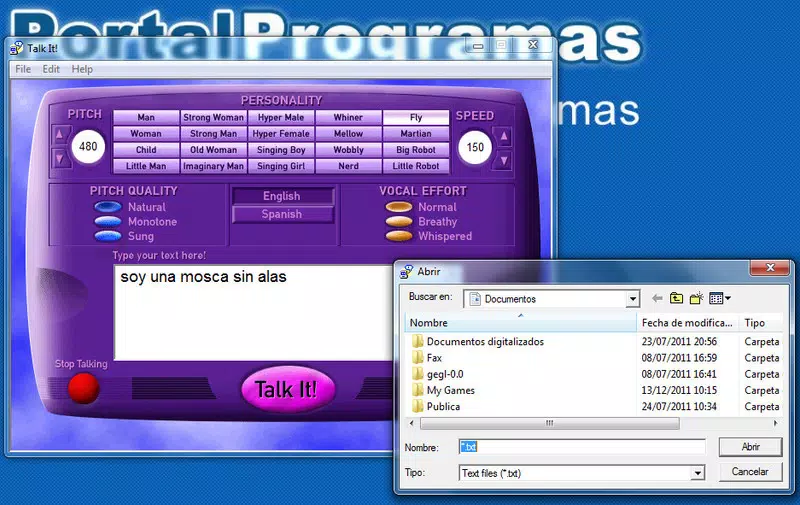
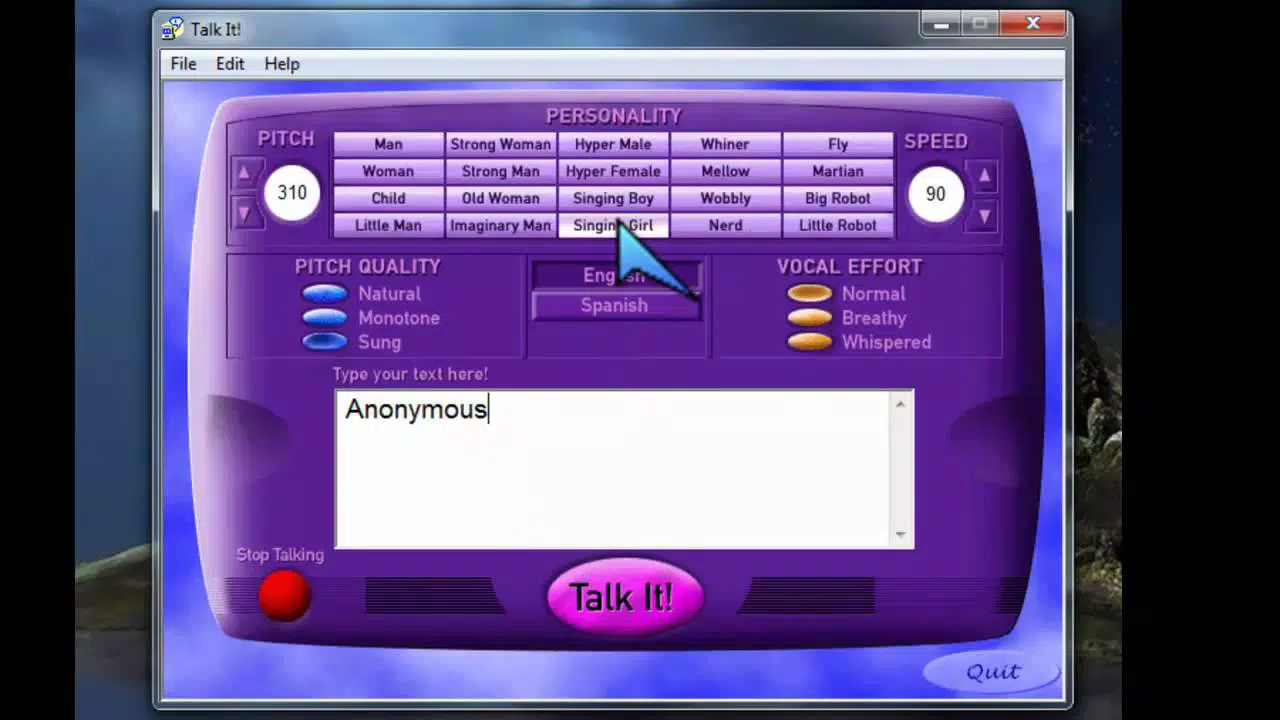
Talk It! presents a clean, minimalist interface focused on core functionality. The layout prioritizes text input and playback controls, minimizing visual clutter. Navigation is straightforward, with essential functions accessible through clearly labeled buttons and intuitive gestures. The design emphasizes usability, making it easy for users to type, convert text to speech, and manage saved content without extensive onboarding.
Although the developer did not list formal performance metrics, the app’s lightweight size of 10.3 MB suggests optimized resource usage. This size indicates that the app is designed to run efficiently on a range of Android devices, including those with limited storage or processing power. Responsiveness appears to be consistent, with minimal lag during text input and audio playback. Stability is likely maintained through focused functionality, avoiding unnecessary background processes that could impact performance.
Users can expect smooth operation during typical use cases such as converting short paragraphs or longer documents. The app’s performance on different device categories remains consistent due to its low system requirements. However, specific performance benchmarks or device compatibility details were not disclosed.
Platform Compatibility & Technical Requirements
Talk It! is available exclusively on the Android platform. The app requires Android Lollipop or a newer version to support voice selection, indicating a minimum OS requirement of Android 5.0. The current version is 1.5.1, with a file size of 10.3 MB, making it suitable for installation on devices with moderate storage capacity.
Specific hardware requirements, such as RAM or processor specifications, were not provided by the developer. Similarly, no details were shared about compatibility with tablets, wearables, or other Android-based devices. The app’s availability is limited to Android, and no information on iOS or other platforms was included. Users should ensure their device meets the minimum OS version to access all features, particularly voice selection.
Pros and Cons
Pros
- Simple and intuitive interface suitable for all user levels.
- Efficient text-to-speech conversion with natural-sounding output.
- Supports saving and loading text for easy content management.
- Exports audio as MP3, ensuring broad compatibility and portability.
- Offers voice selection for Android Lollipop and above, enhancing personalization.
- Lightweight size (10.3 MB) ideal for devices with limited storage.
- Completely free to download and use.
Cons
- Exclusive to Android; no iOS or cross-platform availability.
- Voice selection is limited to Android Lollipop and newer devices.
- Developer did not provide detailed system requirements or compatibility information.
- No cloud sync or backup functionality for saved text or audio files.
- Limited customization options beyond voice selection.
FAQ
Is Talk It! safe to download and use?
The app is free and available through official Android channels. It does not require excessive permissions, and its lightweight nature suggests minimal security risk. Users should always download from trusted sources.
Can I use Talk It! without an internet connection?
Yes, the app functions offline. Text-to-speech processing occurs locally on the device, making it usable in areas with no internet access.
Does Talk It! support other audio formats besides MP3?
Based on the provided information, the app only supports saving audio as MP3 files. No other formats were mentioned.
Is there a premium version or in-app purchases?
The app is currently free with no indication of in-app purchases or premium features. The developer has not disclosed future monetization plans.
How often does Talk It! receive updates?
The app’s latest version is 1.5.1, released on May 4, 2024. Update frequency is not specified, but regular updates are typical for active Android apps.
Final Thoughts
Talk It! delivers a focused, reliable solution for users seeking a straightforward text-to-speech tool on Android. Its combination of core functionality—text conversion, audio export, and voice selection—makes it a valuable asset for students, professionals, and content creators. The app’s minimal design, low footprint, and free access enhance its appeal, particularly for those who prioritize simplicity and performance.
While it lacks advanced features like cloud storage or cross-platform support, its strengths lie in efficiency and accessibility. For users who need to convert text to audio quickly and reliably, Talk It! offers a dependable, no-frills experience. The ability to save content and export it as MP3 adds practical value for both personal and professional use.
Download Talk It! now


